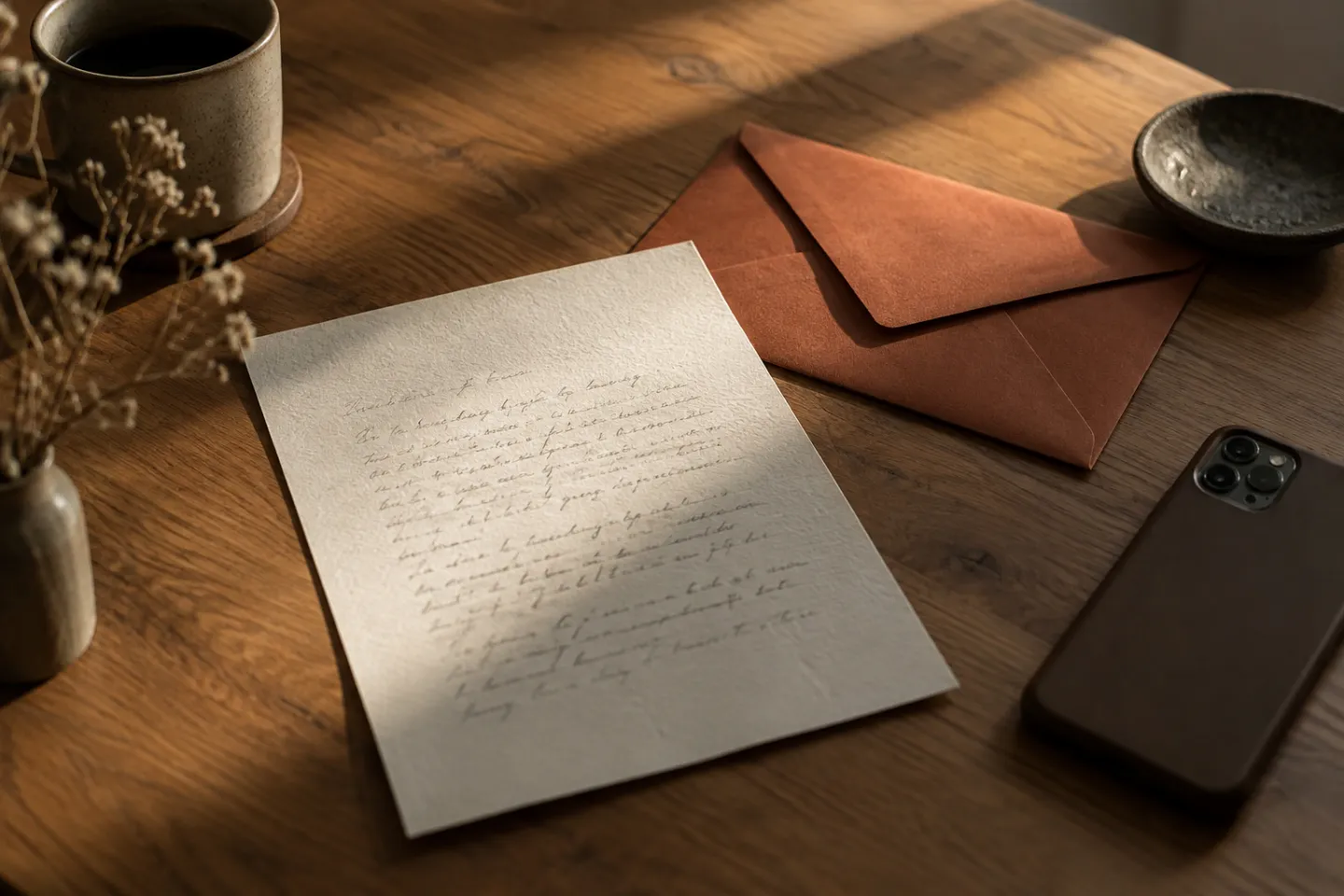
A photo can give an unsent letter a specific place to begin: one room, one afternoon, one expression you remember. You do not need to use a picture of the person. An object or place may be enough, and words alone work too.
The purpose is to write about your experience of the image, not to determine what everyone in it was thinking.
Choose a manageable image
Start with a photo you already have rather than searching an ex's social accounts for new information. You might choose a familiar street, a birthday table, an old room, or something ordinary you associate with a person.
If looking at the image feels overwhelming, put it away. You can describe the scene from memory or choose an entirely different subject. Adding a photo is an option, not a deeper version of the exercise you are expected to complete.
Describe before interpreting
Write down three things you can actually see. “There are two cups on the table” is different from “We were perfectly happy.” The second might describe how you remember the time, but the photograph cannot establish it by itself.
Then add a separate sentence: “When I look at this now, I remember…” This gives both the visible scene and your present perspective their own place.
Try one of these letter beginnings
- “What the picture shows is… What it does not show is…”
- “I did not know then that…”
- “The small detail I keep noticing is…”
- “What I want to tell the person I was in that moment is…”
- “The part of this memory I want to keep is…”
A letter can hold mixed memories. You do not have to decide that the whole period was good or bad to write honestly about a particular afternoon.
Leave room for what you cannot know
Avoid using the image as evidence of someone else's hidden intentions. If you find yourself examining it for clues, return to your own experience: “The question I keep asking is…” You can name the uncertainty without solving it.
Stop when you have said enough about the chosen moment. There is no requirement to go through a whole album.
Photos in Rescript Letters
The current Letters editor supports adding a photo. The visual closing scenes can include the page and image when you choose Burn or Release. Neither action sends the letter to its subject. Exact screens may differ between platform releases.
Before attaching personal images, read the Privacy Policy and choose only material you are comfortable processing in the app. Keeping the letter is also an option when the memory matters to you.
For more about the endings and writing flows, visit the Rescript FAQ. You can leave the photograph out and still write the same letter.